Why it exists
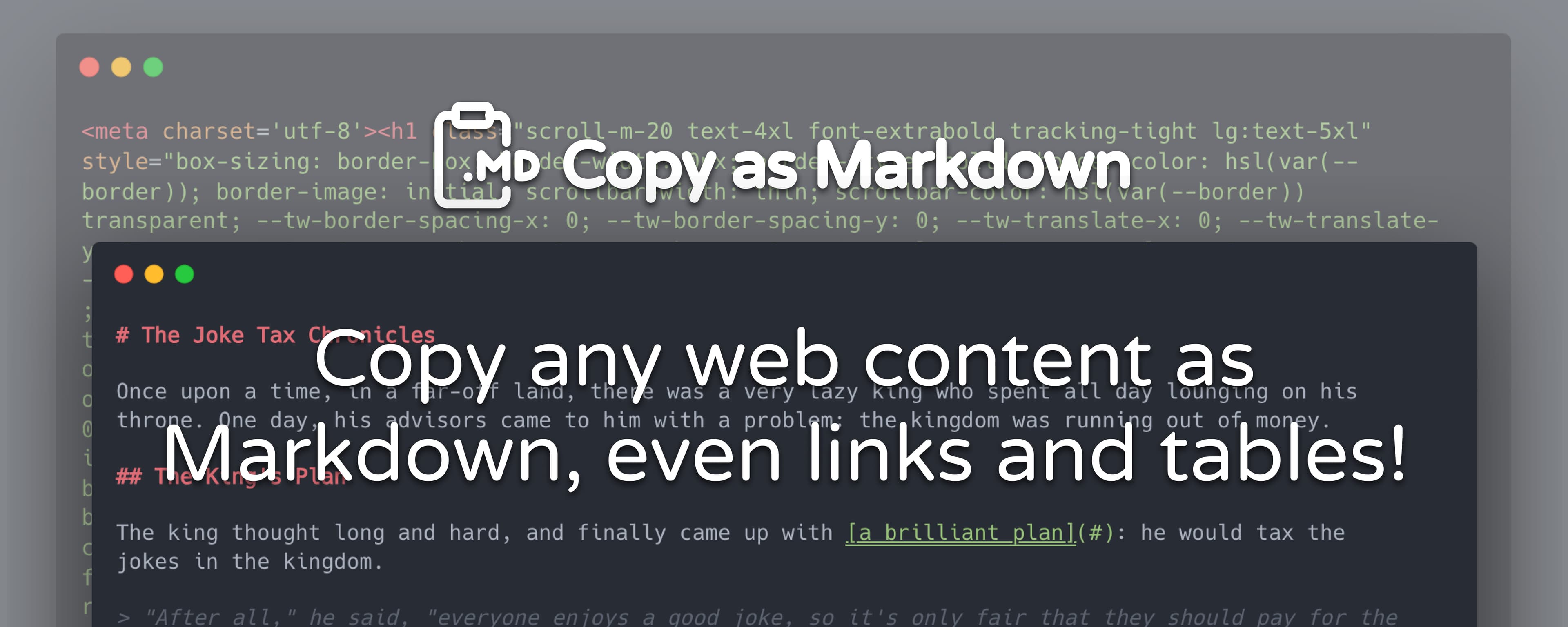
Normal browser copy puts plain text and rich HTML on the clipboard. Many editors and AI chat inputs only accept plain text, which drops link destinations, table structure, headings, and image context. Copy as Markdown is a selection-first bridge: you choose the fragment that matters, and the extension turns its live DOM into portable Markdown.
How it works
- Select the content you want on any normal web page.
- Press the shortcut—default Option+C on macOS and Alt+C on Windows/Linux—or use a browser-managed command if you prefer.
- Paste Markdown into Obsidian, Notion, your editor, or an AI assistant.
This is not reader mode or a crawler. It converts only what you selected, when you ask for it.
Context-aware profiles
- AI-ready — cleans tracking and redirect URLs, keeps token use sensible for images, and adds a source note when links or images were materially changed.
- Faithful Markdown — keeps safe URLs and images with minimal normalization.
- Referenced clip — AI-ready cleanup plus an always-on source citation.
Open the extension options to switch profiles, tune image and link handling, and configure page vs browser-managed shortcuts.
Markdown you can rely on
- Headings, links, lists, blockquotes, code blocks, and images from the selection.
- GitHub Flavoured Markdown tables for simple semantic tables, with a readable row-list fallback for merged or irregular layouts.
- Relative links resolved; unsafe links removed.
- Non-visible content excluded when it can be identified safely.
- All processing stays on your device—nothing stored or transmitted.
Browser support
Chrome and Chromium are the primary, fully supported target. A Firefox build exists for Manifest V3. A Safari build exists as well; Safari support is gated and not broadly advertised until smoke-tested end to end.
Acknowledgments
Early versions leaned on ProseMirror for HTML parsing. The current converter is a dedicated DOM-to-Markdown pipeline tuned for real-world selections.